
The OM System OM-1 Mark II is our best camera for macro photography. With a compatible macro lens, it can combine up to 15 focus positions into one image in the camera. That makes it a useful choice for small subjects that stay still long enough for a stack, while its articulated screen helps when you work near the ground.
The right lens matters just as much as the body. Choose the OM System OM-5 Mark II for a lighter, less expensive interchangeable-lens kit. The Nikon Z8 suits detailed studio work if you are willing to merge images on a computer. We also include Canon and Sony options for photographers who already own lenses, plus a compact camera with its close-focusing lens built in.
Our Picks at a Glance
All 7 Cameras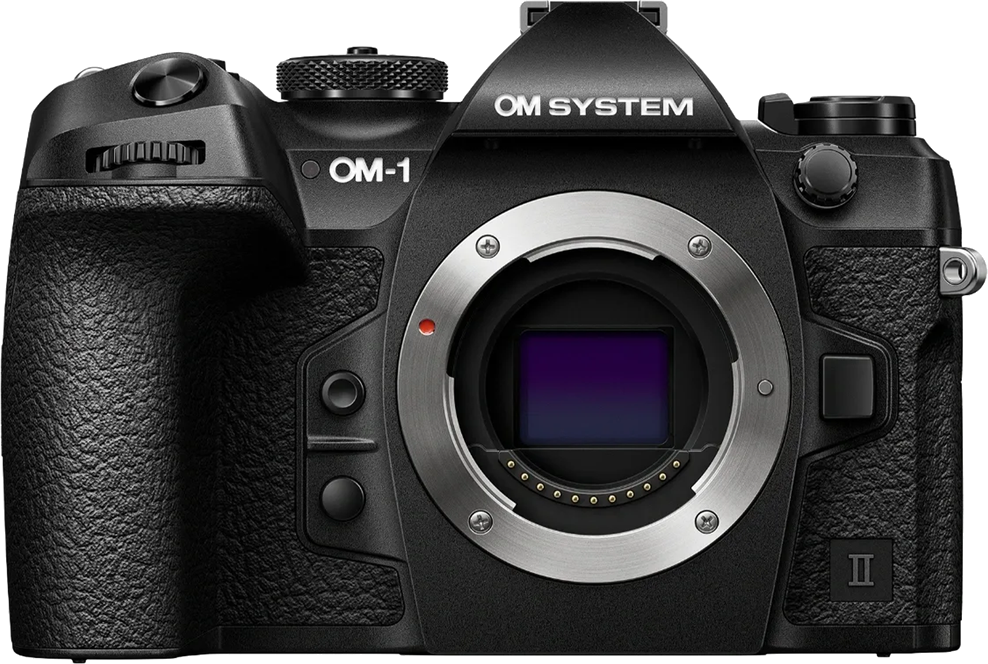
A field macro kit with an adjustable finished stack.
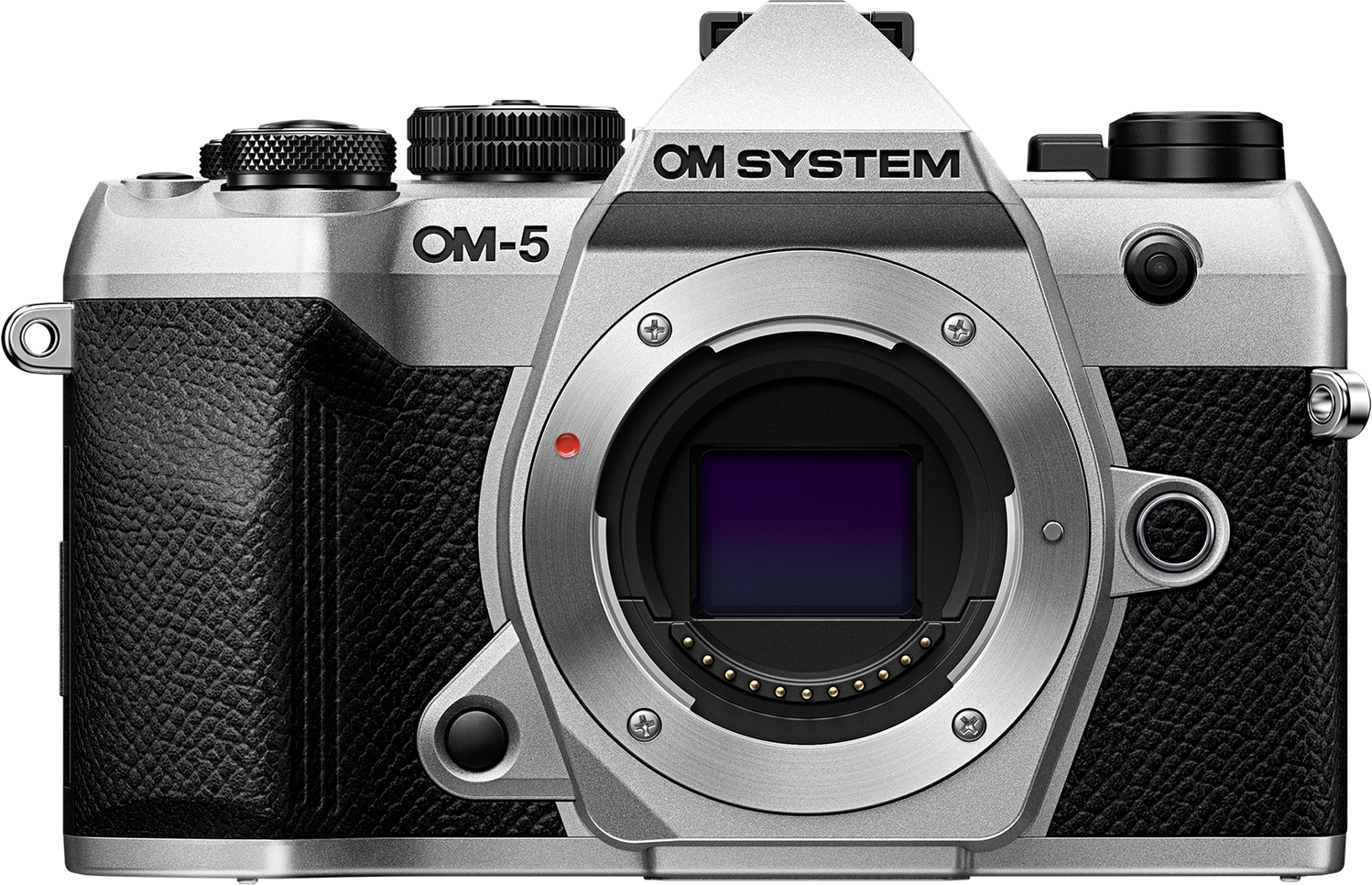
A smaller body with the same dedicated macro-lens options.
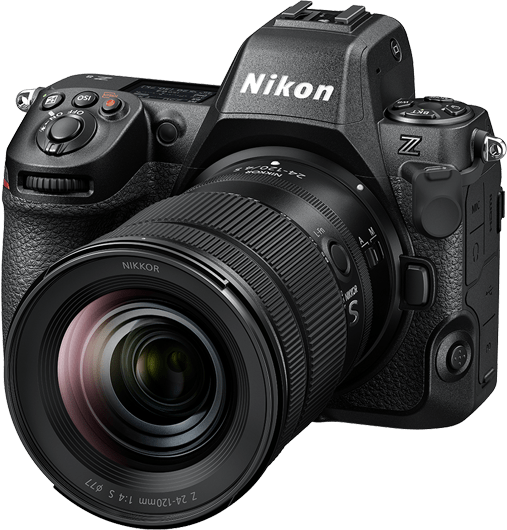
High-resolution source frames with a configurable flash interval.
Macro Cameras at a Glance
Start with the kind of picture you want to make. A ready-made stack helps with a still flower or resting insect. A larger native file leaves more room for cropping a carefully lit subject. The comparison below separates the finished stack from cameras that only capture its source images. Native resolution is rounded to the nearest megapixel; it excludes pixel-shift and enlarged output modes.
- Merges 3–15 frames in camera
- Articulated screen for low views
- Stabilized body for handheld framing
- Compatible with 1:1 and 2:1 macro lenses
- Light 14.7 oz body with battery/card
- Eight-frame stack made in camera
- Articulated screen for low views
- In-body stabilization
- In-camera depth compositing
- Works with a 1.4:1 RF macro lens
- Articulated touchscreen
- In-body stabilization
- 45.7 MP native source files
- Up to 300 focus-shift frames
- Flash recharge interval control
- Four-axis screen for two orientations
- 45 MP native source files
- In-camera depth compositing
- Flash-supported focus bracketing
- Articulated touchscreen
- Up to 299 focus-bracket frames
- Fully articulated touchscreen
- In-body stabilization
- Works with Sony E-mount macro lenses
- Built-in close-focusing lens
- In-camera microscope stacking
- Separate 10/20/30-frame brackets
- Waterproof body for wet settings
The Best Macro Cameras in Detail
A camera that merges a stack can save time, but it still needs several views of the same subject to line up. For an insect that keeps moving, plan around a sharp single exposure and suitable lighting. For jewelry or a specimen that stays still, the lens, focus sequence and final file matter more than the convenience of an immediate result.
OM System OM-1 Mark II
- Native Resolution
- ≈20 MP
- Sensor
- Micro Four Thirds
- Stack Output
- 3–15 frames → JPEG
- Screen Movement
- Fully Articulating
Strengths
- Merges 3–15 frames in camera
- Articulated screen for low views
- Stabilized body for handheld framing
- Compatible with 1:1 and 2:1 macro lenses
Trade-Offs
- A supported lens is required
- Merged output is cropped JPEG
The OM System OM-1 Mark II earns first place for photographers building a macro kit for walks and garden work. Pair it with the M.Zuiko Digital ED 60mm F2.8 Macro, and you have a small dedicated lens that reaches true 1:1 magnification.
The advantage over the cheaper OM-5 Mark II is control over the finished stack. You can merge between three and 15 frames, rather than a fixed eight. That gives you more scope to cover a subject's depth before you need a computer. In-body stabilization and the fully articulated screen also help with framing at awkward angles.
There are limits. The stacking mode needs a supported lens, crops the edges slightly and produces a JPEG composite. Keep the subject inside the guide frame. For a deeper stack or more control over the merge, capture a focus bracket and process it separately. Flash is possible, but the stacking mode uses its own synchronization limits and charge-time setting.
The adjustable stack is the main reason to carry this body over the OM-5 Mark II. If most of your pictures are single frames, put the saving toward the lens and lighting instead.
OM System OM-5 Mark II
- Native Resolution
- ≈20 MP
- Sensor
- Micro Four Thirds
- Stack Output
- 8 frames → JPEG
- Screen Movement
- Fully Articulating
Strengths
- Light 14.7 oz body with battery/card
- Eight-frame stack made in camera
- Articulated screen for low views
- In-body stabilization
Trade-Offs
- Fixed eight-frame composite
- Stacked output is cropped JPEG
The OM System OM-5 Mark II is our lighter alternative for an interchangeable-lens macro kit. With battery and card, the body weighs about 14.7 oz. The OM-1 Mark II weighs about 21.1 oz on the same basis. That difference is useful when the camera shares a walking bag with a lens, diffuser and other gear.
You still get a 20.4 MP Micro Four Thirds sensor, in-body stabilization and a fully articulated screen. The 60mm F2.8 Macro is a sensible starting lens for either body. Buying the smaller camera does not require a different macro system.
Its in-camera stacking mode combines eight frames into a JPEG. It also crops the edges, so leave space around the subject. A flash charge-time control allows time between exposures, but neither flash nor stabilization will hold a swaying flower in the same position through a sequence.
The fixed stack length is the main reason to move up to the OM-1 Mark II. For a still subject that eight frames cover, the smaller body gives you the same simple route to a finished image. Choose it for carrying less, rather than expecting it to match every control of the larger camera.
Canon EOS R7
- Native Resolution
- ≈33 MP
- Sensor
- APS-C
- Stack Output
- JPEG / HEIF
- Screen Movement
- Fully Articulating
Strengths
- In-camera depth compositing
- Works with a 1.4:1 RF macro lens
- Articulated touchscreen
- In-body stabilization
Trade-Offs
- No flash in focus-bracket mode
- Macro lens is a separate purchase
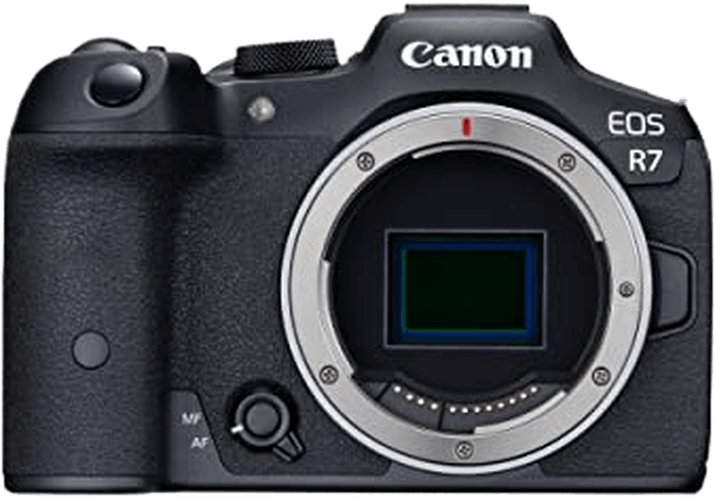
The Canon EOS R7 makes a strong case for Canon users who want more detail in a small subject without buying a premium full-frame body. Its native effective resolution is approximately 32.5 MP. A fully articulated touchscreen and in-body stabilization make it useful beyond a fixed tabletop setup.
With the RF 100mm F2.8 L Macro IS USM, the system reaches up to 1.4:1 optical magnification. The APS-C sensor records a smaller field of view than a full-frame body at the same lens magnification.
The R7 can capture a focus bracket and use depth compositing to merge it in the camera. That is convenient for a static subject under steady light, with a tripod supporting the sequence. Check Canon's compatible-lens list before substituting another lens.
The R7 disables flash during focus bracketing. You can still use flash for an ordinary single macro exposure. Choose the R7 for ambient-light or continuously lit stacks; choose the R5 Mark II below if automatic flash-lit sequences are central to your work.
Nikon Z8
- Native Resolution
- ≈46 MP
- Sensor
- Full Frame
- Stack Output
- External Merge
- Screen Movement
- Four-Axis Tilt
Strengths
- 45.7 MP native source files
- Up to 300 focus-shift frames
- Flash recharge interval control
- Four-axis screen for two orientations
Trade-Offs
- Stack must be merged in software
- Body and macro lens make a larger kit
The Nikon Z8 is our studio pick for photographers who want a high-resolution source file and control over the final merge. Its 45.7 MP full-frame sensor suits detailed product shots and specimens. The four-axis tilting screen keeps the display behind the camera when you change from horizontal to vertical framing.
Pair it with the Nikkor Z MC 105mm f/2.8 VR S for true 1:1 reproduction. The lens is a separate purchase; an ordinary zoom kit does not provide the same close-up capability.
Nikon's focus-shift mode can take up to 300 frames at different focus distances. You can set an interval to allow a compatible flash to recharge. This is useful when you want controlled lighting across a deep subject, but the Z8 saves the sequence for you to merge in software. It does not deliver an in-camera focus-stacked photograph.
That extra processing is the trade-off against the R5 Mark II. Choose the Nikon if you want to select, inspect and merge the source frames yourself. Choose the Canon for its in-camera composite. For a walking kit or a quick finished stack, the smaller OM System options are a better starting point than buying the Z8's resolution by default.
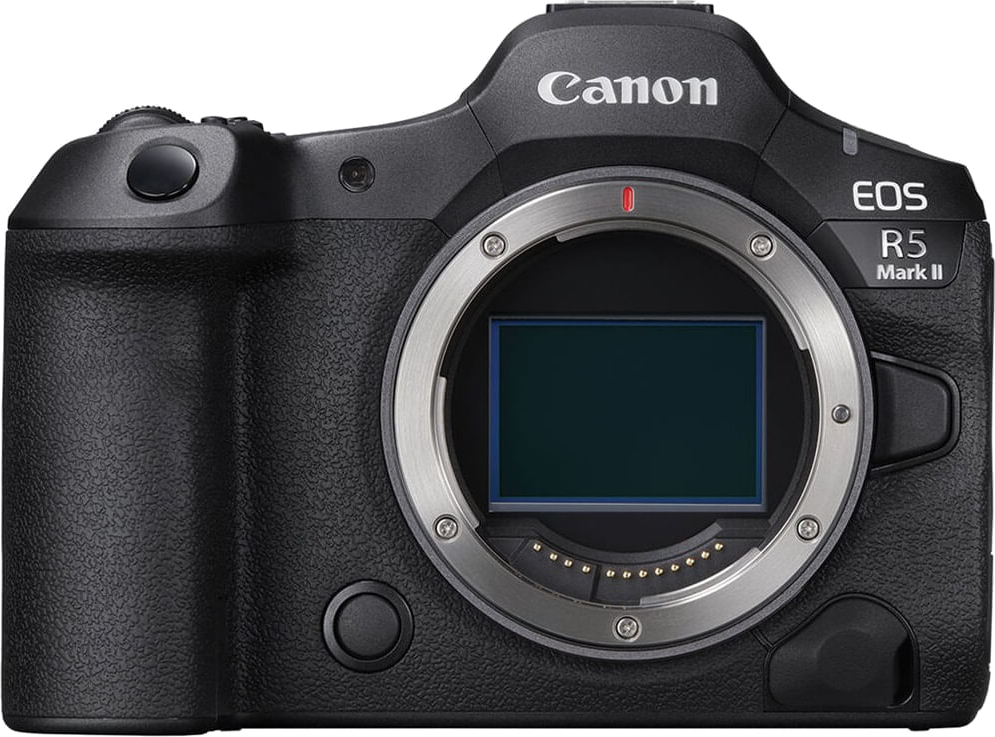
Canon EOS R5 Mark II
- Native Resolution
- ≈45 MP
- Sensor
- Full Frame
- Stack Output
- JPEG / HEIF
- Screen Movement
- Fully Articulating
Strengths
- 45 MP native source files
- In-camera depth compositing
- Flash-supported focus bracketing
- Articulated touchscreen
Trade-Offs
- High body-and-lens cost
- Flash compatibility needs care
The Canon EOS R5 Mark II is the full-frame choice when you want both high native resolution and an in-camera merged stack. Its 45 MP sensor, articulated touchscreen and in-body stabilization suit a photographer who also needs a capable general-purpose Canon body.
For close work, the key difference from the R7 is not sensor size alone. The R5 Mark II supports flash during focus bracketing, with the equipment and connection restrictions in Canon's manual. A suitable Speedlite, or a supported flash connection through the sync terminal, lets you build an automatically focused sequence under controlled light. Set enough time for the flash to recharge; ordinary single-shot sync settings do not automatically carry over to this mode.
The RF 100mm F2.8 L Macro IS USM is a compatible option with up to 1.4:1 magnification. Depth compositing can create a JPEG or HEIF result, while the bracketed source images give you another route if you want to merge them yourself.
This is a substantial camera-and-lens purchase for someone starting from scratch. If you use constant light and do not need the larger native file, the R7 already covers the central stacking task. The automatic flash-lit sequence is the strongest reason to choose the R5 Mark II over the R7.
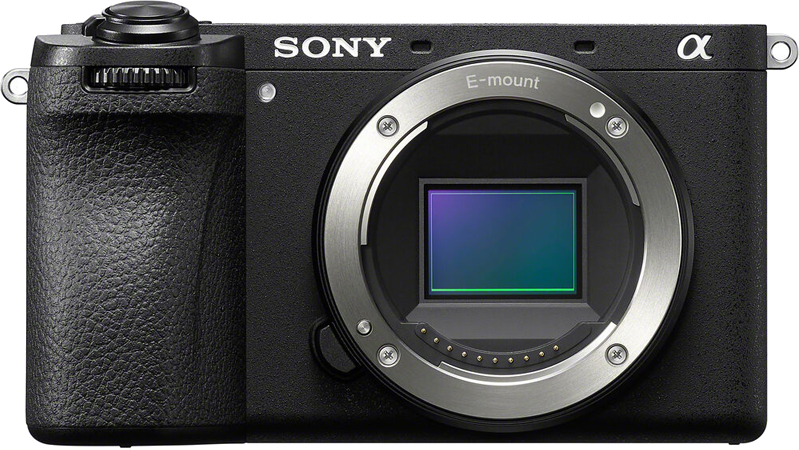
Sony a6700
- Native Resolution
- ≈26 MP
- Sensor
- APS-C
- Stack Output
- External Merge
- Screen Movement
- Fully Articulating
Strengths
- Up to 299 focus-bracket frames
- Fully articulated touchscreen
- In-body stabilization
- Works with Sony E-mount macro lenses
Trade-Offs
- Stack must be merged in software
- A full-frame macro lens adds bulk
The Sony a6700 lets Sony owners add automatic focus bracketing without moving to a full-frame body. In-body stabilization helps with handheld framing, while the articulated touchscreen lets you compose from low angles. Its 26 MP native resolution is enough to make it a useful everyday camera as well as a macro body.
The FE 90mm F2.8 Macro G OSS provides true 1:1 magnification and works on the a6700's E mount. It is a full-frame lens on a smaller body, so check the complete kit's size before expecting a pocketable system.
Sony's focus-bracket mode can capture between two and 299 images when set to move forward from the starting focus position. The three-shot near/far option is a different setting. Sony recommends a tripod, and the files need external software to become a finished stack.
Keeping your existing Sony lenses can make the a6700 the better-value system choice. If your priority is a finished composite without computer work, the OM-1 Mark II is the stronger fit. More expensive Sony bodies can offer more native detail, but they do not remove that separate merging step.
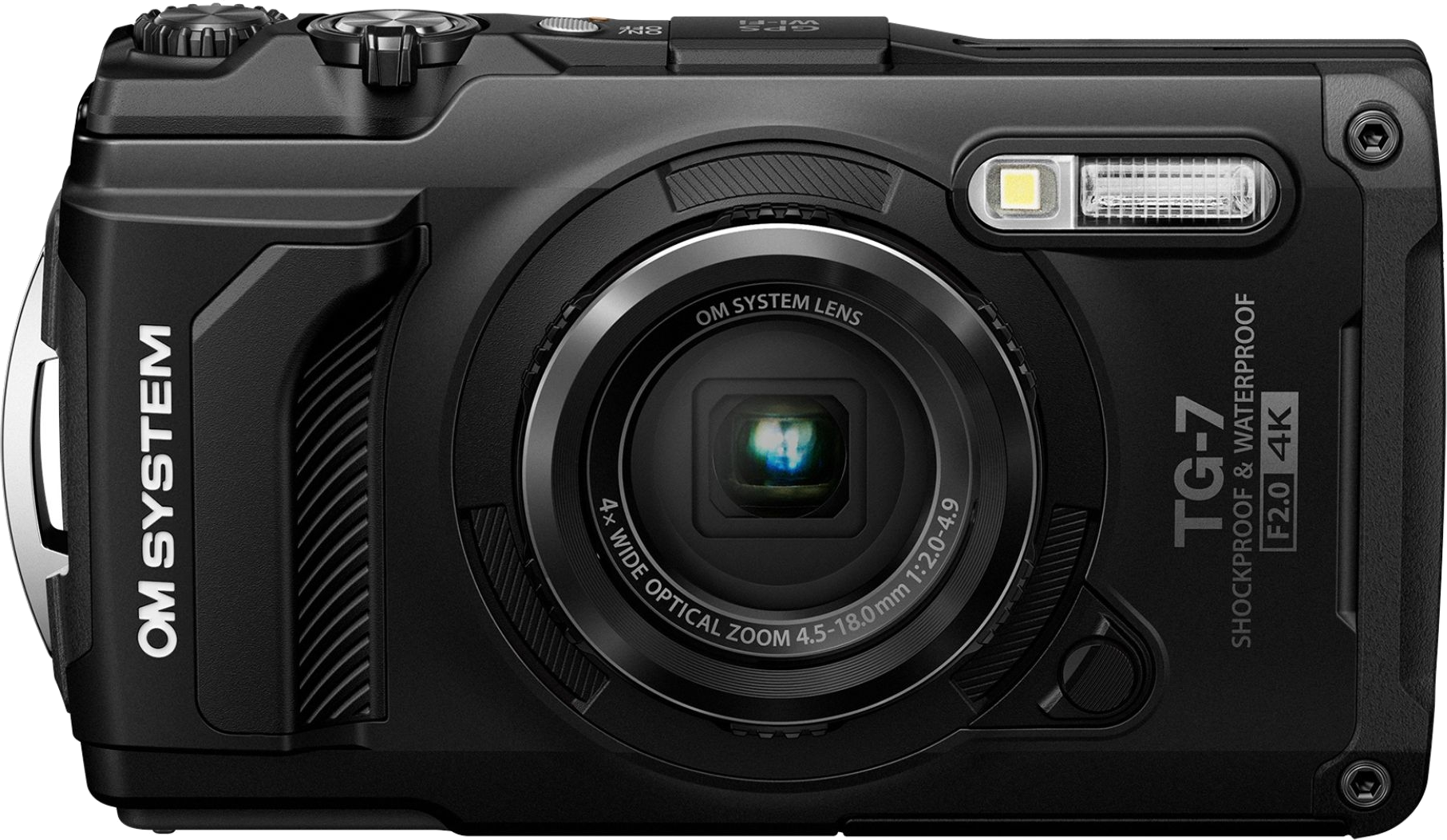
OM System Tough TG-7
- Native Resolution
- ≈12 MP
- Sensor
- 1/2.3-inch type
- Stack Output
- JPEG Composite
- Screen Movement
- Fixed
Strengths
- Built-in close-focusing lens
- In-camera microscope stacking
- Separate 10/20/30-frame brackets
- Waterproof body for wet settings
Trade-Offs
- 12 MP leaves less cropping room
- Fixed screen; close subjects can be hard to light
The OM System Tough TG-7 is the simplest complete camera here for someone who wants to explore tiny subjects without choosing a body and macro lens separately. Its built-in microscope modes can focus as close as about 0.4 in from the front of the lens. The waterproof body also suits wet outdoor settings, within the maker's depth and use limits.
The microscope and stacking modes are the reason to buy it. In-camera stacking saves a composite along with the first source frame. A separate focus-bracketing mode is available when you want a series to process yourself. Choose bracketing if you want to keep every source frame.
The compromises are its 12 MP small sensor and fixed rear screen. There is less native detail to crop than with the interchangeable-lens cameras, and a subject close to the lens can be difficult to light without casting a shadow. That very short focusing distance can also disturb a live insect.
Choose the TG-7 for small, accessible subjects and a self-contained camera you can carry easily. Choose the OM-5 Mark II and a macro lens if you want a movable screen and a system you can develop further.
Do You Need a New Camera or a Macro Lens?
For flowers, coins or jewelry, a true macro lens is usually a more useful first purchase than replacing a capable body. A 1:1 lens can project a subject at life size onto the sensor. A camera's crop factor changes the recorded field of view; it does not change that optical ratio. Check the lens's magnification, mount and compatibility with the body's automatic focus sequence before buying.
The OM System 60mm F2.8 Macro is the straightforward match for our two leading field choices. The 90mm F3.5 Macro IS PRO reaches true 2:1 without a teleconverter, but it makes the kit larger and more expensive. That extra magnification is worth buying when the subject demands it, rather than as a default beginner upgrade.

A brown marmorated stink bug photographed with a Canon EOS R8. Photo by Ilia Rozhnov (Unsplash).
If you only want occasional close-ups for sharing, try the phone you already own before buying a separate camera. Supported iPhones have a macro mode; other phones vary by model. Move to a camera system when you can name what you need next: a dedicated macro lens, controlled lighting, a larger source file or an automated focus sequence.
Our Verdict
The OM System OM-1 Mark II is our first choice for a dedicated field macro kit. Its adjustable in-camera stack and compatible macro lenses give it a clear role in that kit. Choose the OM-5 Mark II to carry less, or the Nikon Z8 for high-resolution studio sequences you will merge yourself. If you already own a suitable macro lens, start with the camera that fits it before paying to change systems.
Our Three Top Picks Side by Side
- Video
- 91
- Optics
- 69
- Features
- 85
- Storage & Battery
- 73 (highest)
- Video
- 91
- Optics
- 64
- Features
- 83
- Storage & Battery
- 35
- Video
- 100 (highest)
- Optics
- 85 (highest)
- Features
- 87 (highest)
- Storage & Battery
- 68