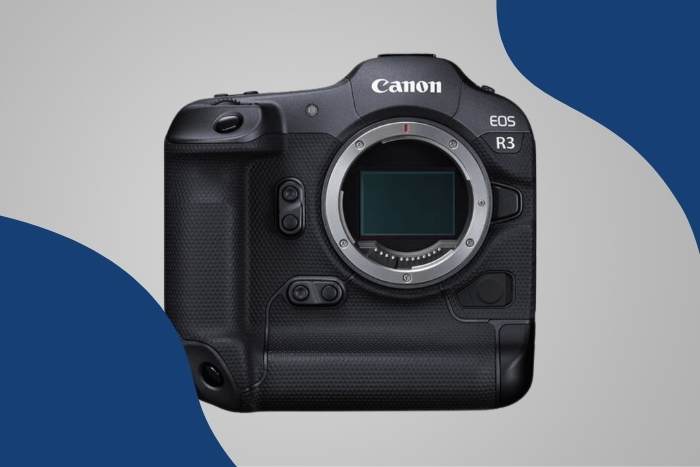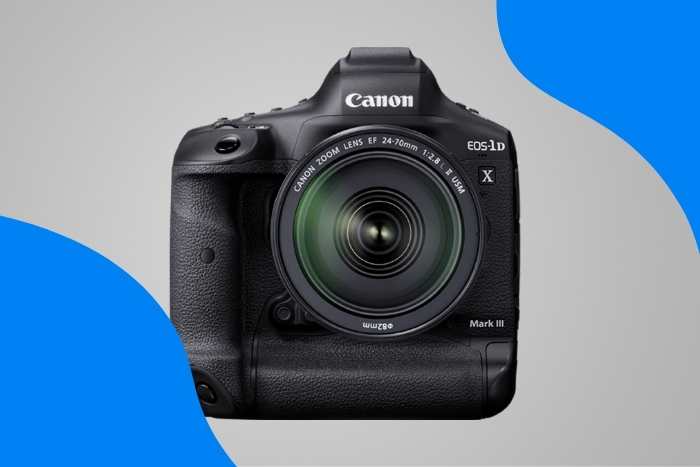
Product specifications and highlights restored from our saved catalogue records. The original article date and recommendations are unchanged.
We’ve compiled a list of the best Canon cameras for vlogging. Each camera has been carefully picked to give you the best vlogging results.
There’s a wide range of Canon cameras on the list, so you’ll find the perfect camera for you.

What is the Best Camera for Vlogging (or Blogging)?
No two vloggers are the same. And different video content creators have different requirements. Some will be looking for a portable camera for travel vlogs. Others will need the best video quality they can find. And you always have a variety of budget levels.
We’ve covered all the bases with Canon cameras to meet the needs of any vlogger or videographer.
Our top pick is the Canon EOS M50 II. But we have ten other Canon cameras for vlogging so that everyone will be satisfied.
- Canon EOS M50 Mark II
- Canon EOS 90D
- Canon PowerShot G7 X Mark III
- Canon EOS R5
- Canon EOS M6 Mark II
- Canon EOS Rebel T8i / 850D
- Canon EOS RP
- Canon EOS Rebel SL3 / 250D
- Canon EOS M200
- Canon EOS R6
- Canon PowerShot G7 X Mark II
11 Best Canon Cameras for Vlogging in Detail
Now we’ll look at all our top picks in detail.
We’ve checked the specs, so you can rest assured we’ve found the best Canon cameras for vlogging in 2022. You can find the best vlogging camera no matter your needs or budget.
Canon EOS M50 Mark II
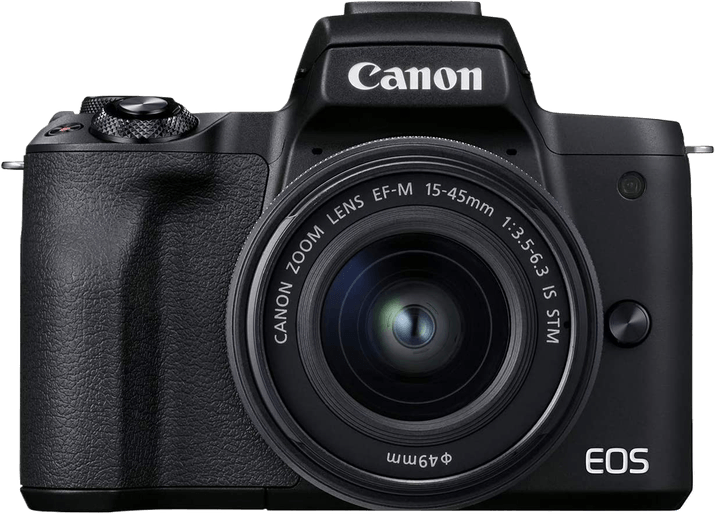
- Resolution
- 24 MP
- Sensor
- APS-C
- Video
- 4K
- Weight
- 387 g
Highlights
- 4K and Full HD Video
- External Mic Port
- Webcam Functionality
Trade-Offs
- 4K video is cropped
- No environmental sealing
- No sensor-shift image stabilization
- Disappointing battery life
Canon EOS 90D
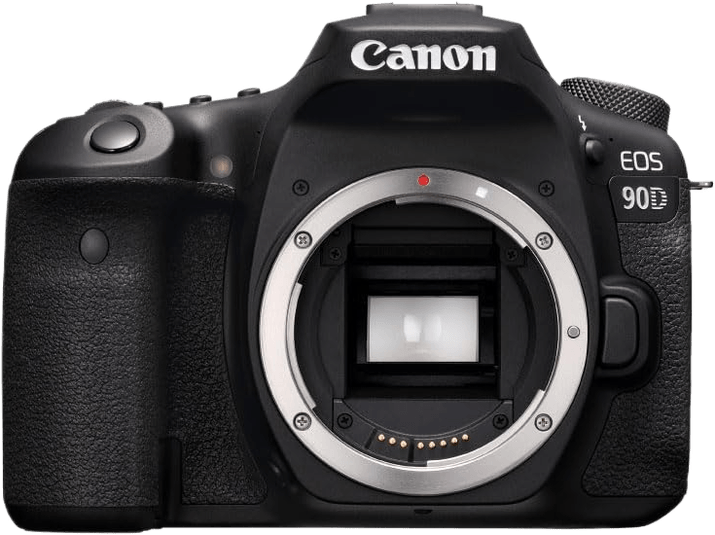
- Resolution
- 33 MP
- Sensor
- APS-C
- Video
- 4K
- Weight
- 701 g
Highlights
- 32.5 MP APS-C Sensor
- 4K Ultra-HD Video
- Excellent Battery Life
Trade-Offs
- Unreliable autofocus when using the optical viewfinder
- 4K video has a soft focus
- No in-body image stabilization
- Limited video codecs and frame rates
Canon PowerShot G7 X Mark III
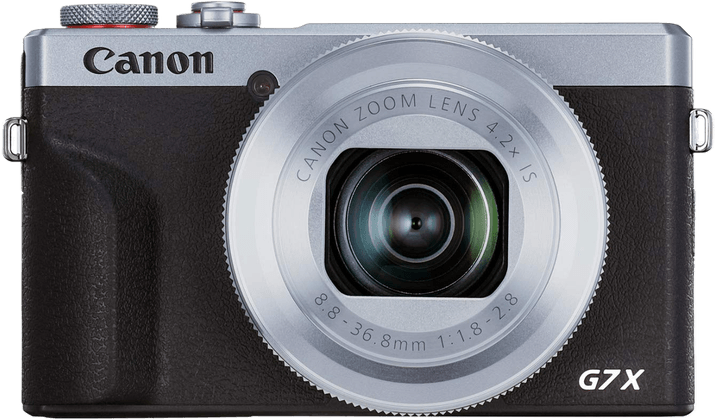
- Resolution
- 20 MP
- Sensor
- 1"
- Video
- 4K
- Weight
- 304 g
Highlights
- Compact Body Size
- Live Streaming Capabilities
- 4K at 30 fps and HD at 120 fps
Trade-Offs
- Soft focus at wider focal lengths
- No subject tracking in continuous shooting mode
- No electronic viewfinder
- Weak battery life for a compact
- 10 minute 4K recording limit
Canon EOS R5
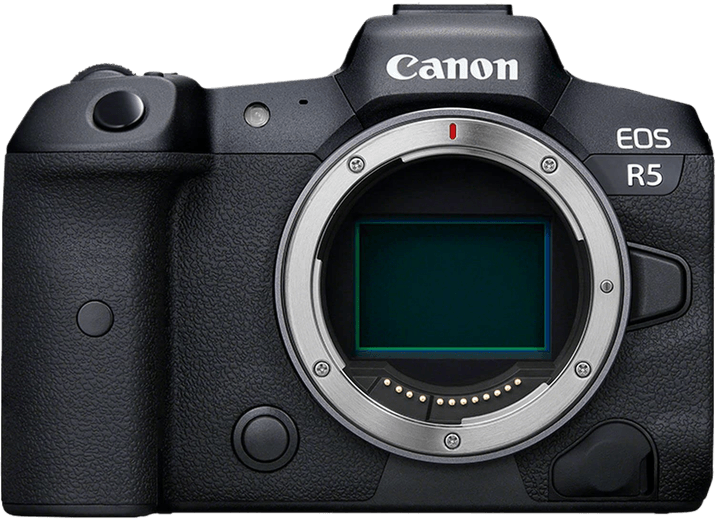
- Resolution
- 45 MP
- Sensor
- Full Frame
- Video
- 8K
- Weight
- 680 g
Highlights
- 8K Video
- 45 MP Image Resolution
- Excellent AF System with Tracking
Trade-Offs
- Expensive
- Complicated autofocus setup
- Noise reduction applied to RAW files
- Hard to customize
- Overheats shooting video
Canon EOS M6 Mark II
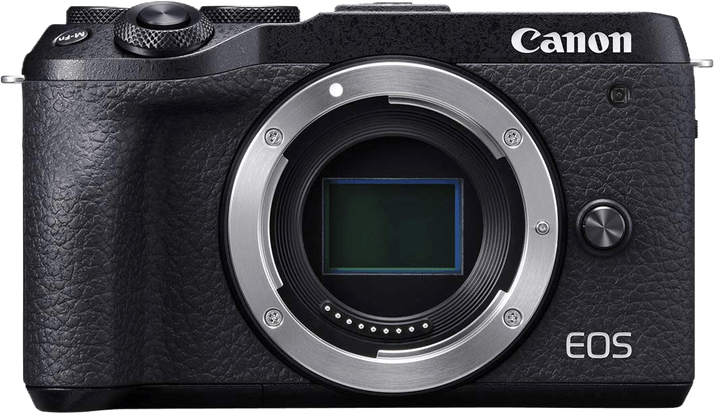
- Resolution
- 33 MP
- Sensor
- APS-C
- Video
- 4K
- Weight
- 408 g
Highlights
- 32.5 MP APS-C Sensor
- Uncropped 4K Video
- 30 fps Burst Mode
Trade-Offs
- No in-body image stabilization
- Limited screen articulation
- No built-in viewfinder
- Limited native lens selection
Canon EOS Rebel T8i / 850D
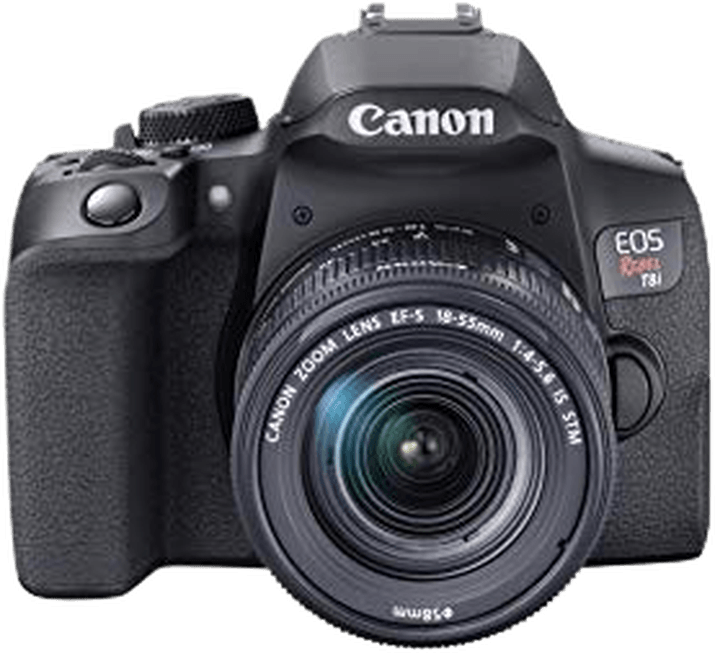
- Resolution
- 24 MP
- Sensor
- APS-C
- Video
- 4K
- Weight
- 515 g
Highlights
- 4K and Full HD Video
- Excellent ISO Range
- Webcam Capabilities
Trade-Offs
- Fiddly control dials
- Less reliable AF in video mode
- Small optical viewfinder display
- Cropped 4K video
Canon EOS RP
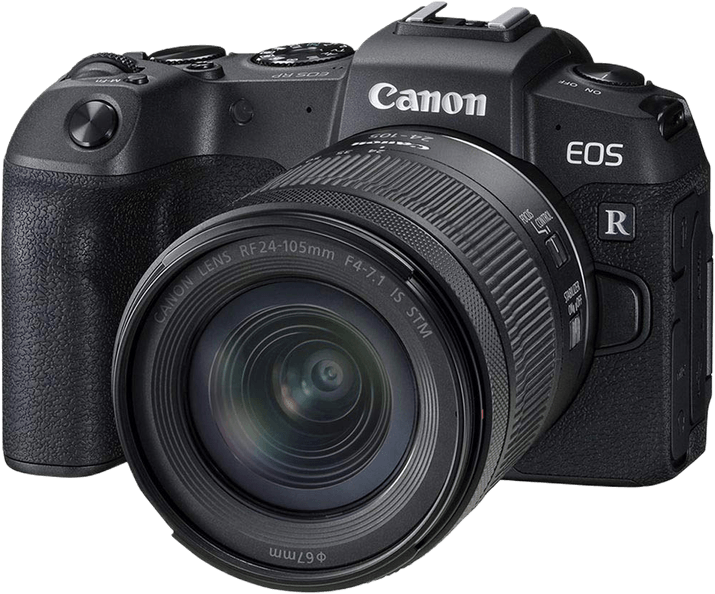
- Resolution
- 26 MP
- Sensor
- Full Frame
- Video
- 4K
- Weight
- 440 g
Highlights
- Affordable Full-Frame Mirrorless
- Fast and Accurate AF
- Excellent Dynamic Range
Trade-Offs
- 5 fps max burst is slow compared to competitors
- Relatively poor 250-shot battery life
- Doesn't function while charging
- 4K video is cropped 1.6x
Canon EOS Rebel SL3 / 250D
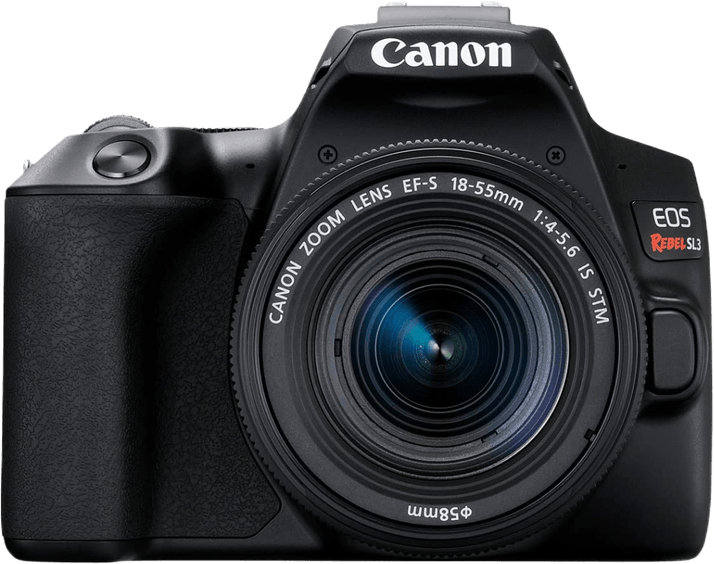
- Resolution
- 24 MP
- Sensor
- APS-C
- Video
- 4K
- Weight
- 449 g
Highlights
- Excellent 4K Video
- A Compact and Lightweight DSLR
- Incredible Battery Life
Trade-Offs
- Only 9 autofocus points
- Lacks in-body image stabilization
- No USB charging
- No weather sealing
- 1.7x 4K crop factor
Canon EOS M200
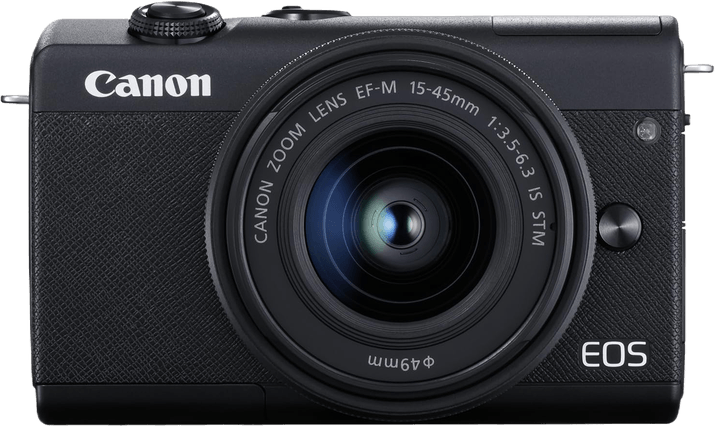
- Resolution
- 24 MP
- Sensor
- APS-C
- Video
- 4K
- Weight
- 229 g
Highlights
- Compact and Lightweight
- Vertical Video Mode
- Fully Articulating Touchscreen
Trade-Offs
- 4K video is cropped
- No audio jack for mic Input
- Lack of grip on body for large hands
- Slow RAW-file processing
- Limited shooting modes
Canon EOS R6
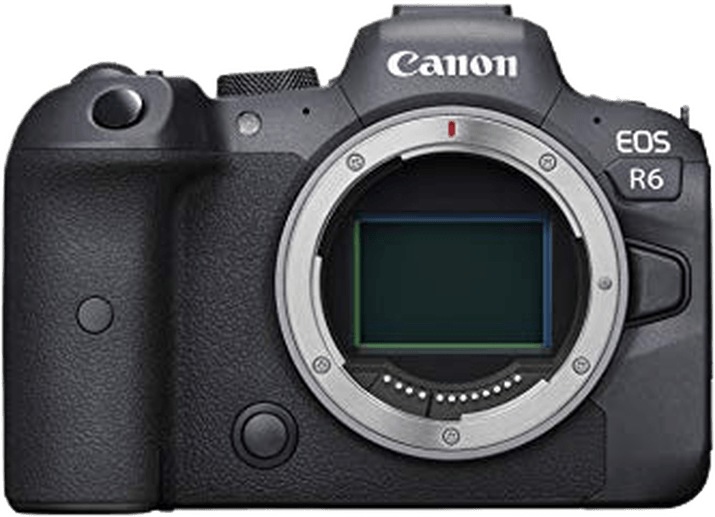
- Resolution
- 20.1 MP
- Sensor
- Full Frame
- Video
- 4K
- Weight
- 680 g
Highlights
- 4K at 60 fps
- Excellent ISO Range
- Full AF Support for Video
Trade-Offs
- Low megapixel count compared to closest competitors
- Interface is challenging to navigate
- EVF drains the battery
- Camera heats up shooting 4K / 60 fps
Canon PowerShot G7 X Mark II
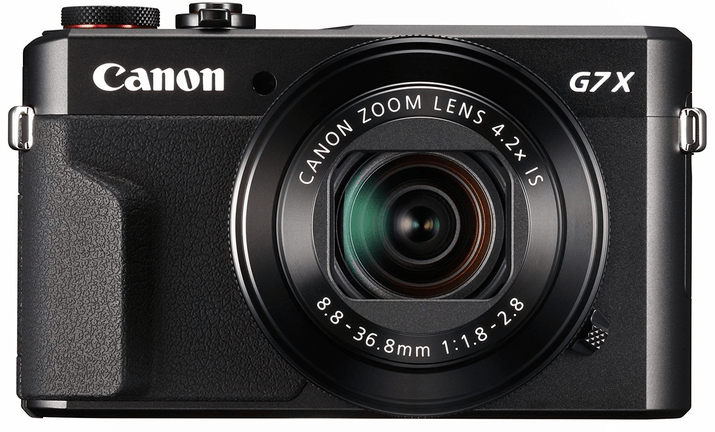
- Resolution
- 20 MP
- Sensor
- 1"
- Video
- Full HD
- Weight
- 319 g
Highlights
- 4.2x Zoom Lens
- Optical Image Stabilization
- Compact and Lightweight
Trade-Offs
- No 4K Video
- No built-in viewfinder
- No external mic input
- No remote or Wi-Fi trigger
Our Verdict
Canon has some of the best vlogging cameras you can find. They take their video capabilities just as seriously as the photography specs. And vloggers and bloggers can rely on the quality and standards of Canon cameras.
They have a vlogging camera for everyone. The Canon EOS M50 Mark II stands out as the best vlogging camera. It’ll please professional YouTubers and beginners starting their first blog. The EOS 90D is an all-rounder for multimedia creators. And the Canon EOS R5 is a video solution for professionals.
Keep your budget in mind when looking for vlogging cameras. This list of the best Canon cameras for vlogging has cameras in every price category. And we’ve included something for everyone on our list. But a Canon camera will take your vlogging to the next level no matter what your budget.

What to Look For in a Vlogging Camera
Video Quality
Vlogging is a video medium, so you want the best video quality you can get. Most modern cameras now have video features as standard. And that includes DSLRs, compact, and mirrorless cameras.
But if you’re serious about vlogging, you shouldn’t accept anything less than 4K video quality. 4K gives you professional footage that’ll look fantastic on YouTube, Instagram, or TikTok.
Full HD (1080p) is still acceptable for social media videos. All the Canon cameras on our list will give you better video quality than a smartphone. But you should be aiming for 4K if you’re serious about your vlog. You’ll fall behind the competition without it.
Frame Rate
You also want to look at the frame rate of the video recording. The faster the frame rate, the smoother your video footage will be. A smooth frame rate prevents jerks and lagging in your vlogs.
4K video is often shot at 30 fps, which is perfectly acceptable. Some cameras might have 4K at 25 fps. While this isn’t ideal, it is still acceptable with 4K quality. Anything faster than 30 fps is a bonus.
A camera with a variety of frame rates is also something to look out for. Some have options for shooting at 120 fps. You’ll have to accept a reduction in quality to Full HD for this speed. But it means you can shoot extra smooth video you can also use for slow motion.

Multimedia Features
You should also look for cameras that have the features to support multimedia content creation. Image quality and resolution are vital if you want to take photos as well as videos. A fast burst is handy too.
An articulating screen is vital for filming vlogs because it allows you to see yourself while you record. And you need to look for audio recording capabilities, whether internal or external.
All digital cameras have autofocus these days. But you need to know that the AF system in your camera is up to the task of creating vlogs. Look for cameras that have eye detection AF. And face and eye tracking are important if there’s movement in your videos.
The ISO range gives you an indication of how well the camera performs in low-light conditions. It’s an important marker if you want to shoot at night.
Image stabilization is another excellent feature to look out for. It helps keep videos and stills sharp by reducing camera shake and motion blur. It’s usually a feature in cameras at the professional end of the spectrum, but it’s worth looking out for.

How Much Should You Spend on a Vlogging Camera?
Your budget for a new vlogging camera will be linked to the level of your vlog or blog. If you’re starting out as a vlogger, you can stick to the more budget-friendly cameras. They’ll give you the extra quality to stand out against other amateurs.
The enthusiast cameras sit in the middle of the price range. And you’ll need to stretch your budget for one of these cameras if you’re taking your vlog to the next step. Perhaps your YouTube channel is getting more subscribers, and you need to continue that momentum.
Professional-grade vlogging cameras are expensive. You shouldn’t be thinking about one of these Canon cameras unless your blog already provides you with a steady income. If you have the budget, you can make the jump to cinema-standard videos. You won’t regret it from a vlogging point of view.
Still undecided? Try compare camera specs of different brands and models for inspiration. You can check out our Canon R3 vs R5, Canon R3 vs Sony Z9, or Canon R7 vs R10 side-by-side comparisons to start! Or, check out our guide on the best Canon RF lenses to buy or best cameras for teens and tweens article!