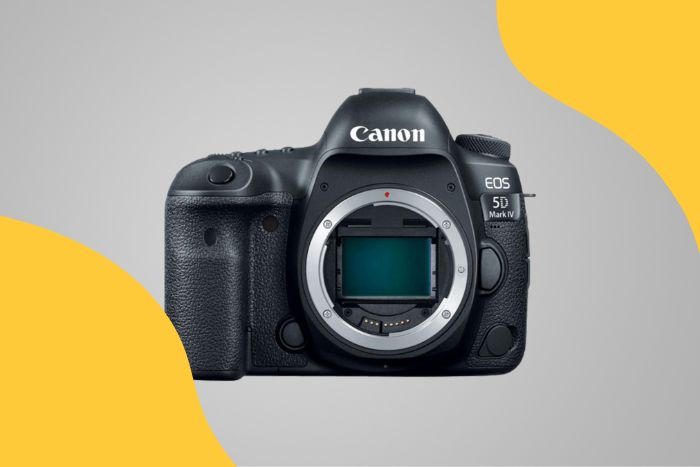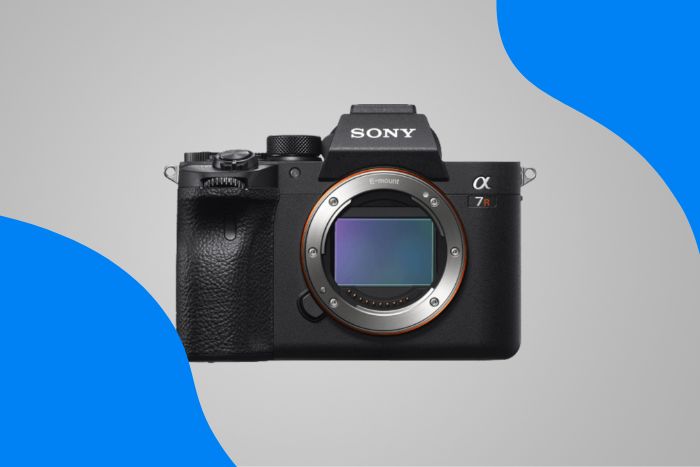
Product specifications and highlights restored from our saved catalogue records. The original article date and recommendations are unchanged.
This is why we recommend the Canon VIXIA HF G50 camcorder as our top choice. But keep reading for many more options, from mirrorless cameras to webcams.
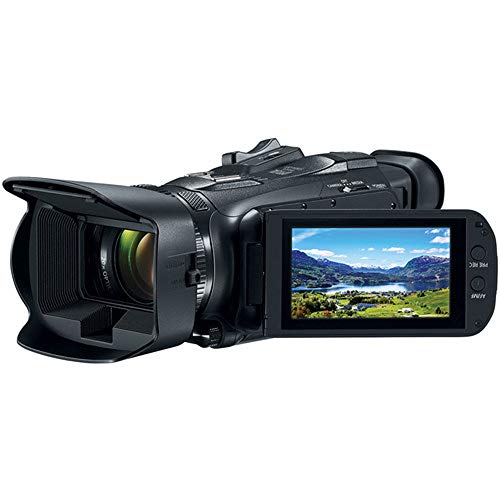
Canon VIXIA HF G50 Camcorder
High-quality image output, optical zoom, and image stabilization. It offers professional-looking videos with clear audio for podcasts.
What Are the Best Podcast Cameras?
Apart from frame rate, you should also bear in mind a few other considerations:
- Ease of use
- Ports for external microphone and headphones
- Long battery life
- Memory capacity
- Screen size and resolution
Some cameras offer slow motion, a self-timer, image stabilization, remote control, and beauty modes. But these are only “nice-to-have” rather than “need-to-have.”
Once you know the basic requirements, you can think about the type of camera you want. The cheap and cheerful option is a smartphone or webcam—either built-in or external.
But for better audio and video quality, you need a camcorder or hybrid camera. Hybrid mirrorless models offer the best video quality and ease of use.
But you can always make do with a more affordable compact camera, DSLR, or GoPro.
You can use two cameras at different angles if you’re podcasting with guests or a co-host. But that means a more complicated setup with an XLR microphone and headphones.
We start with a quick summary of all the best options for video podcasting. (Note that “p” also stands for frames per second at times)
- Canon VIXIA HF G50 Camcorder
- Panasonic HC-V770 HD Camcorder
- Kicteck HD Video Camera Camcorder
- Panasonic Lumix DMC-G7
- Canon EOS M50 Mark II
- Sony a6600
- Canon PowerShot SX740 HS
- Nikon D5500
- Canon EOS Rebel T8i / 850D
- GoPro Hero10 Black
- Logitech Brio 4K Webcam
11 Best Podcast Cameras in Detail
Now let’s dive into a detailed analysis of each camera. We divided this into five sections to go into more detail:
Best Camcorders for Podcasting
Camcorders and video cameras provide high-quality video. They offer better mics and preamps to boost the audio signal than still cameras.
Some even come with XLR inputs for an XLR microphone. But some tend to be expensive and generally have limited battery life.
Canon VIXIA HF G50 Camcorder
- Type
- Camcorder
- Video
- 4K UHD
- Optical zoom
- 20×
- Focal length
- 3.67–73.4 mm
Trade-Offs
- Not a cheap option
- Average touchscreen navigation
- Only takes SD memory cards
- A dated look and design
Panasonic HC-V770 HD Camcorder
- Type
- Camcorder
- Video
- Full HD
- Sensor
- 1/2.3-inch BSI MOS
- Optical zoom
- 20×
Trade-Offs
- Limited sensor size
- No 4K video
- Soft slow-motion footage
Kicteck HD Video Camera Camcorder
No exact model number or specifications were saved for this item in the original guide.
Trade-Offs
- Limited sharpness
- Problems focusing
- Takes time to detect SD card
- Limited battery life
Best Mirrorless Cameras for Podcasts
Mirrorless cameras offer excellent resolution. They’re also good for both stills and internal or external video recording.
Sony and Panasonic cameras let you choose from a wide range of compatible lenses. But it’s more limited for Nikon and Canon models.
But mirrorless cameras often have a recording limit of 30 minutes. This is due partly to overheating issues. But it’s also due to higher import taxes (duties) for cameras that exceed this!
Battery life may be limited, too. But some can be charged while plugged into a computer via a USB cable.
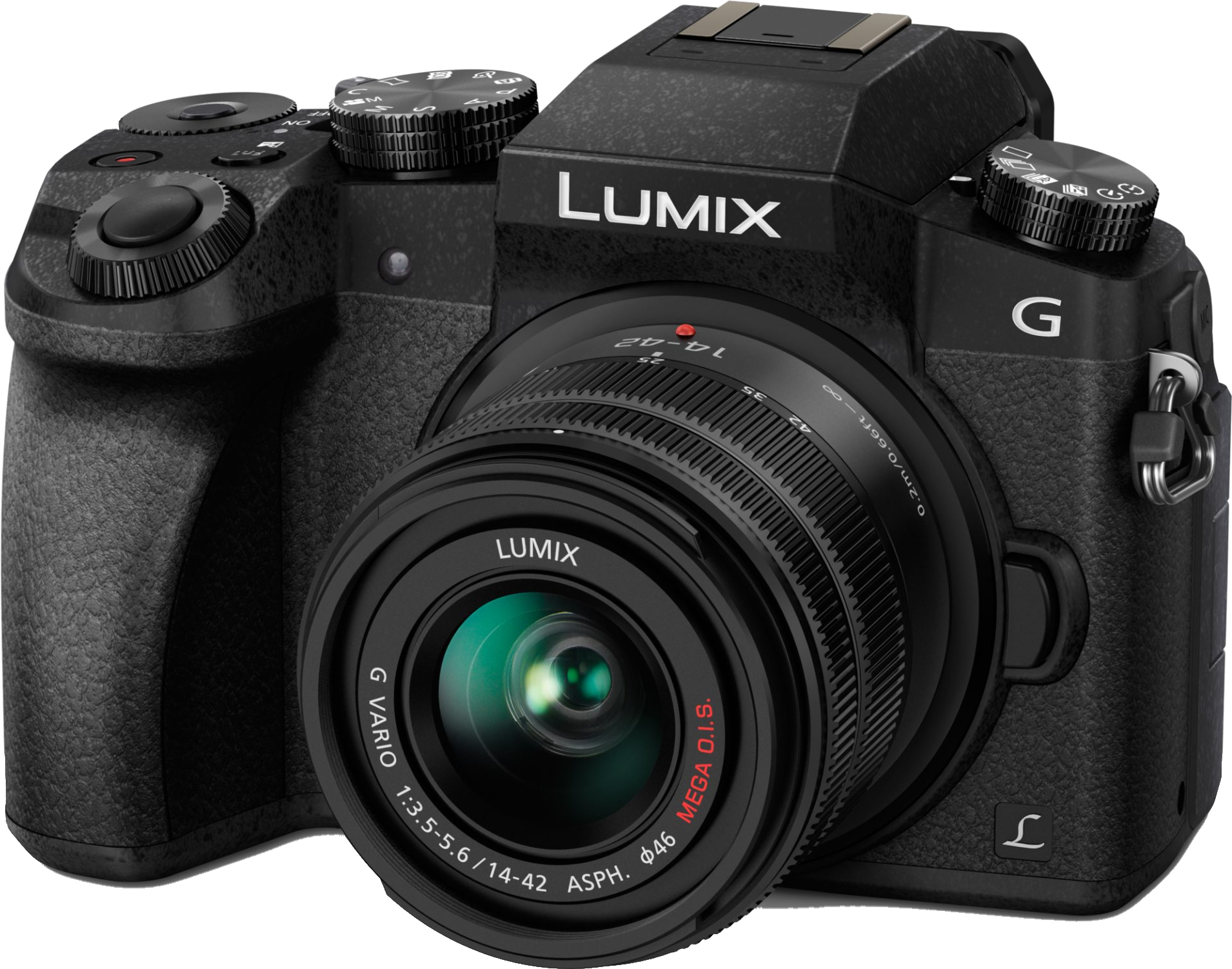
Panasonic Lumix DMC-G7
- Resolution
- 16 MP
- Sensor
- Micro Four Thirds
- Video
- 4K
- Weight
- 410 g
Highlights
- 4K video gives detailed, croppable footage
- Light 410 g body travels easily
- Flipping touchscreen frames awkward angles
- Electronic viewfinder with 2.36M-dot display
- Built-in timelapse automates interval shooting
Trade-Offs
- No phase-detection autofocus
- Low continuos burst of 7 fps
- No in-body image stabilization for camera shake
- Controls are a little over-complicated
- Short battery life with video recording
Canon EOS M50 Mark II
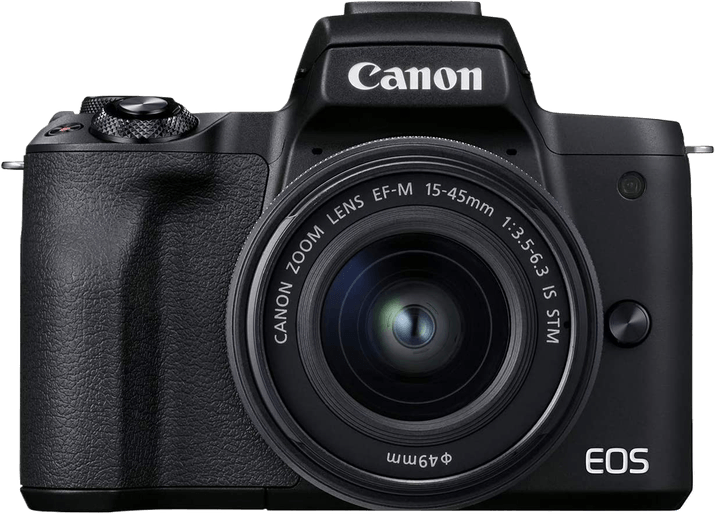
- Resolution
- 24 MP
- Sensor
- APS-C
- Video
- 4K
- Weight
- 387 g
Highlights
- Strong sensor resolution
- 4K and Full HD video options
- Time-lapse recording
- External mic port
- Webcam functionality
Trade-Offs
- 4K video is cropped
- No environmental sealing
- No sensor-shift image stabilization
- Disappointing battery life
Sony a6600
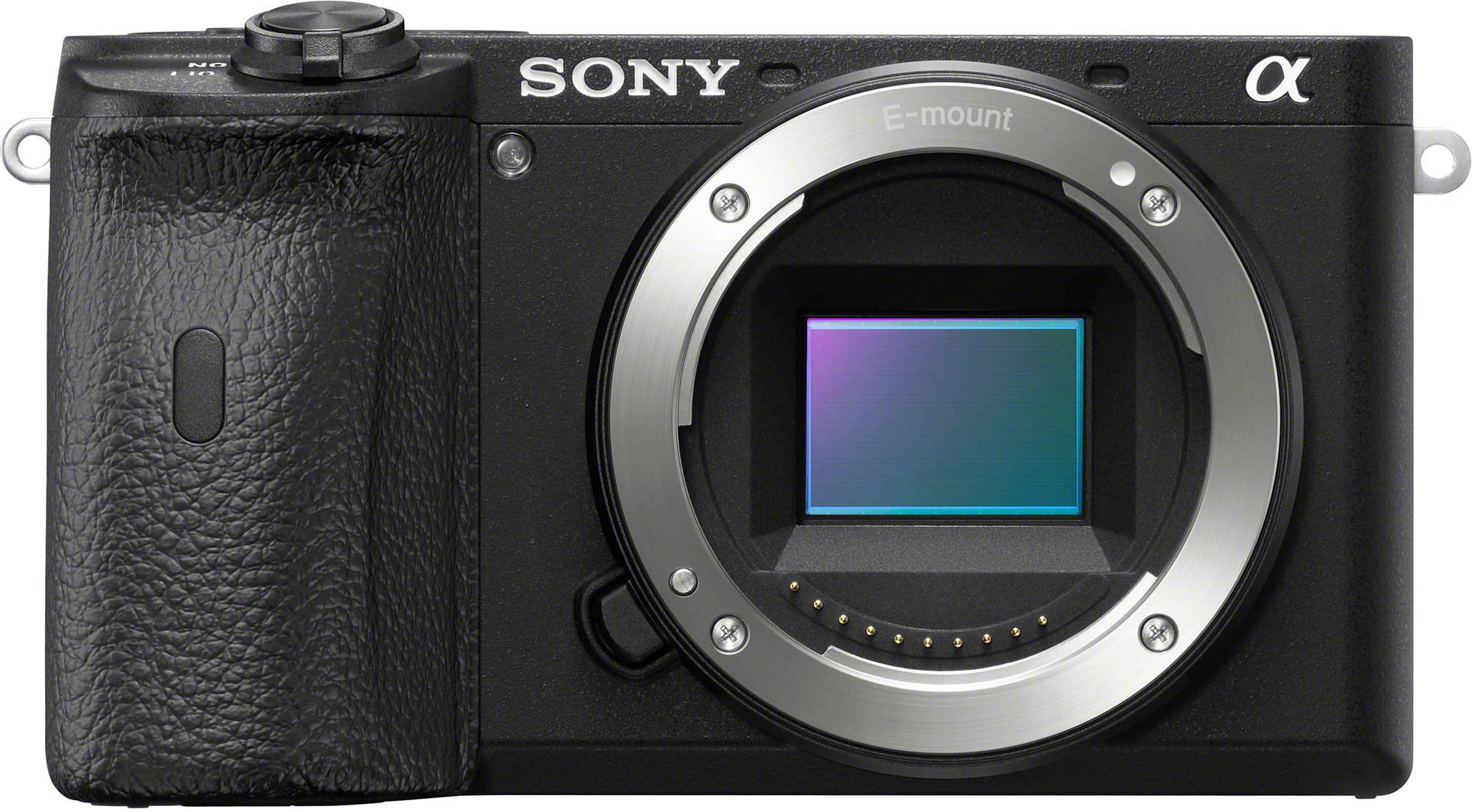
- Resolution
- 24.2 MP
- Sensor
- APS-C
- Video
- 4K
- Weight
- 503 g
Highlights
- Astonishing autofocus
- 5-axis in-body image stabilization reduces camera shake
- Silent shooting
- Terrific battery life
- Small, lightweight camera
Trade-Offs
- Slow buffer speeds
- Controls feel cramped with large hands
- Limited touchscreen controls
- No pop-up flash
- Rolling shutter recording video
Best Bridge Camera for Podcasts
A bridge camera (“superzoom”) is just a mirrorless compact camera with a wide zoom range. It’s a smaller, lighter, and cheaper option. But it comes at the expense of sensor size and resolution.
Canon PowerShot SX740 HS
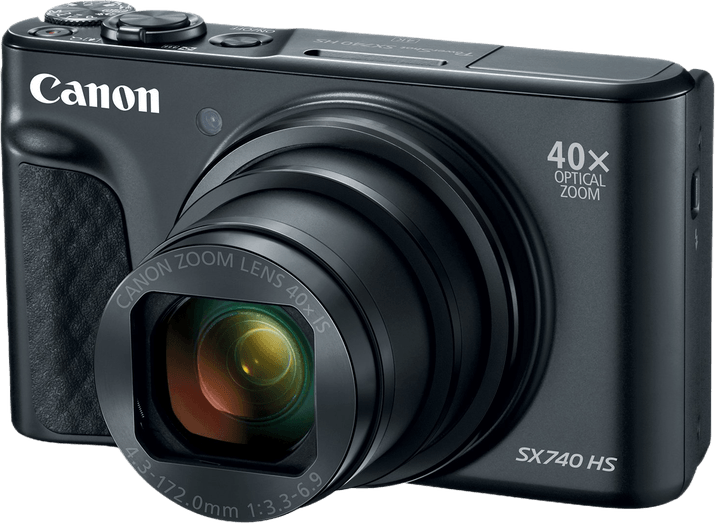
- Resolution
- 21 MP
- Sensor
- 1/2.3”
- Video
- 4K
- Weight
- 299 g
Highlights
- User-friendly camera
- 40x optical zoom
- Excellent 4K video
- Vlogger-friendly screen
Trade-Offs
- Limited image quality
- Shutter lag
- No Electronic Viewfinder (EVF)
- No touchscreen
Best DSLRs for Podcasts
DSLRs are still very popular, despite the mirrorless camera revolution. And if you prefer an optical viewfinder, they represent a familiar and affordable option.
Nikon D5500
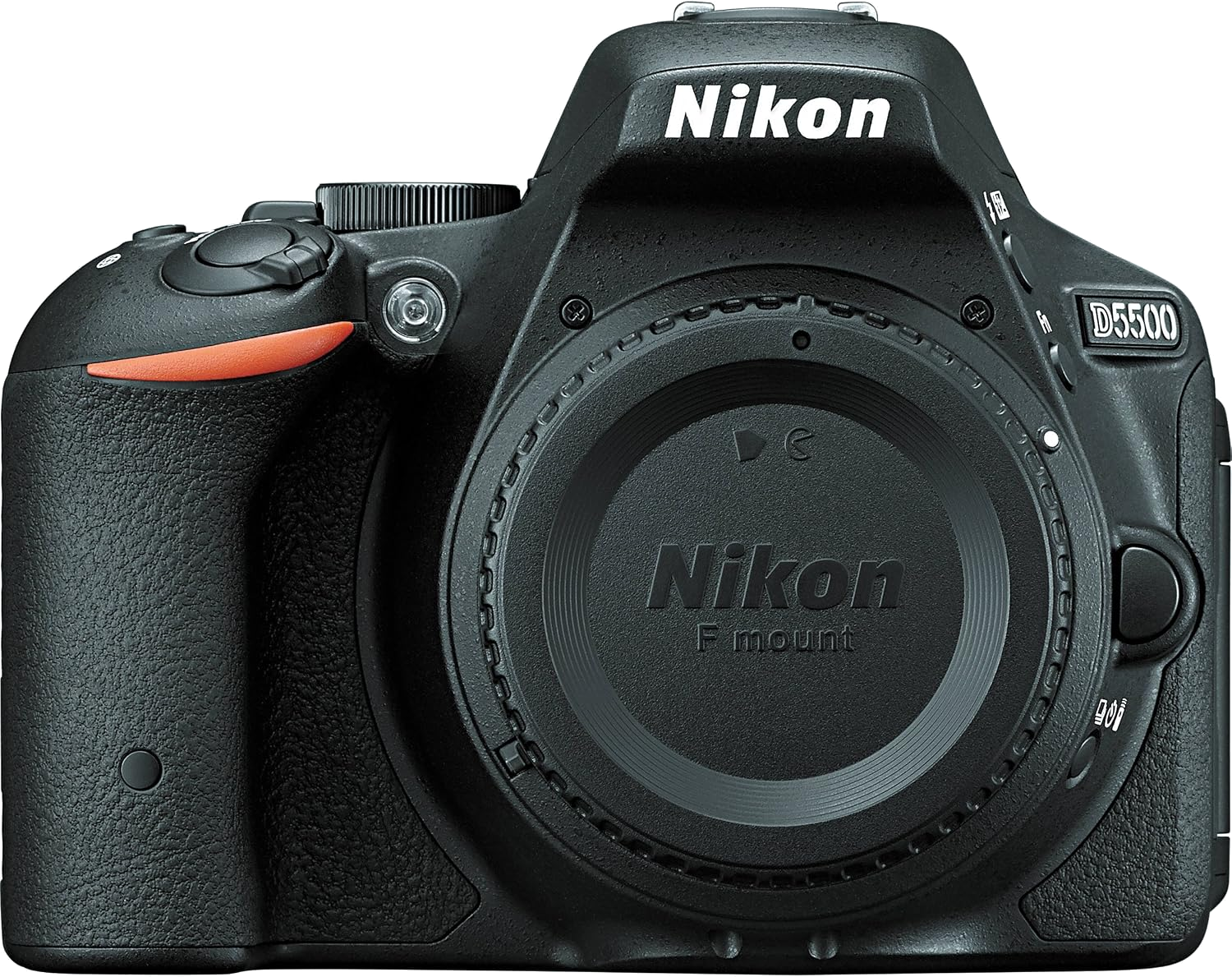
- Resolution
- 24.2 MP
- Sensor
- APS-C
- Video
- Full HD
- Weight
- 420 g
Highlights
- 24 megapixels allow generous cropping and printing
- Light body is easy to carry
- 820-shot battery rating suits long outings
- Flipping touchscreen aids high and low angles
Trade-Offs
- No aperture control, Auto ISO or zebra stripes when filming
- Some static in low light
- Recording limited to 10 or 20 minutes
- No headphone jack
Canon EOS Rebel T8i / 850D
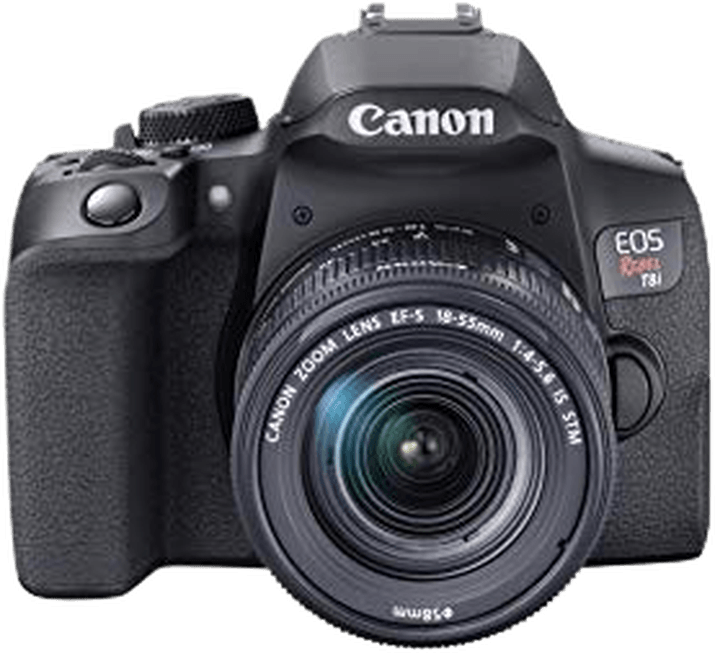
- Resolution
- 24 MP
- Sensor
- APS-C
- Video
- 4K
- Weight
- 515 g
Highlights
- Excellent image quality
- Face and eye-detection AF
- Great ISO range and low-light performance
- 4K/25p and Full HD/120p video
- Webcam functionality and remote shooting with smartphone
Trade-Offs
- Fiddly control dials
- Less reliable AF in video mode
- Small optical viewfinder display
- Cropped 4K video
Best Action Camera for Podcasts
Action cameras aren’t necessarily designed for use as webcams. But GoPro offers the handy option of a live-streaming service. That lets you record to GoPro.com without a memory card!
GoPro Hero10 Black
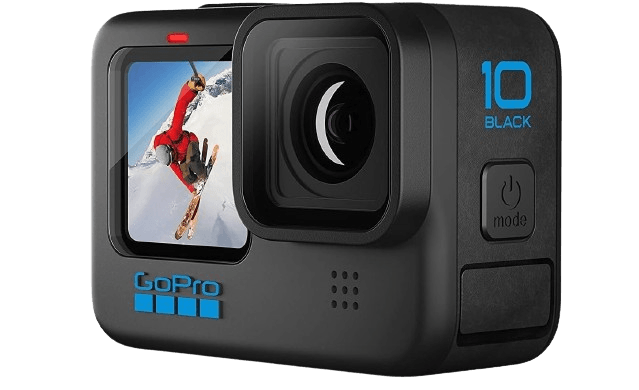
- Resolution
- 23 MP
- Sensor
- Not recorded
- Video
- 5K
- Weight
- 153 g
Highlights
- High 23 MP resolution for photos
- HyperSmooth image stabilization for photos and videos
- The body is robust and waterproof
- Excellent Wi-Fi connectivity settings
- Incredible 5.2K video resolution
Trade-Offs
- Struggles in low-light conditions
- The touchscreen is small and fiddly
- Battery life could be better
- Overheats at higher video settings
- Mobile video editing only possible with latest smartphones
Best External Webcam for Podcasts
External USB webcams like the Logitech Brio or Logitech C920 HD Pro Webcam are popular for live streaming. Gamers on Twitch often use them. (Twitch is an American video service that streams video games and esports competitions.)
Webcams offer a simple, plug-and-play solution via a USB cable and cost less than a camera. But they’re not portable. So rule them out if you do in-person interviews or co-hosting.
Logitech Brio 4K Webcam
- Type
- USB webcam
- 4K video
- Up to 30 fps
- Full HD video
- Up to 60 fps
- HD video
- Up to 90 fps
Trade-Offs
- Expensive
- Poor build quality in mount and lens cover
- 4K recording is jerky
- Best to install Logi Tune and Logitech Capture software apps
Our Verdict
Whatever your budget, the best podcast camera must offer high-quality video and audio. It’s easy to lose viewers if your video podcasts don’t look professional enough.
This means a decent camera, lighting, and audio setup are essential. That’s why we recommend the Canon VIXIA HF G50.
Camcorders and video cameras are designed to capture audio and video. But mirrorless cameras offer a high-quality, versatile alternative.
And plenty of more affordable options exist if your budget doesn’t quite stretch that far. These include DSLRs, bridge cameras, and even external webcams.
Canon VIXIA HF G50 Camcorder
High-quality image output, optical zoom, and image stabilization. It offers professional-looking videos with clear audio for podcasts.
Best Podcast Camera FAQs
These are our answers to frequently asked questions about the best podcast cameras.
What Camera Do Most Podcasters Use?
Many podcasters use the Logitech C920 HD Pro Webcam as their best podcast camera. It offers high-quality video resolution, built-in microphones, and easy plug-and-play functionality.
Its affordability and versatility make it a popular choice among content creators. But it struggles in low light, and the Logitech Brio is a better bet overall.
What Equipment Should I Use for a Podcast?
You’ll need a good microphone, closed-back headphones, a pop filter, and a stand or boom arm. You’ll also need an audio interface, a basic acoustic treatment, and recording software.
With two or more guests, you’re better off using an XLR microphone and studio headphones.
What Camera Do YouTubers Use for Podcasts?
Many YouTubers use the Sony a6400 or the Canon EOS M50 Mark II for recording podcasts.
They offer excellent video, a choice of lenses, AF tracking, and flip-out screens. These make them popular options among content creators.
Is a GoPro a Good Camera for Podcasting?
GoPro video cameras are not the best choice for podcasting. This is due to their wide-angle lenses and limited audio capabilities. They are durable, versatile extreme sports action cameras.
It’s better to use cameras with good low-light performance, a choice of lenses, and better audio. These maximize the video and audio quality.
Can I Use a Webcam for a Podcast?
Yes, you can use a webcam for a podcast, especially if you’re focusing on video content. Webcams like the Logitech C920 offer decent video quality and built-in microphones.
But for higher production values, it’s worth buying a camera. It also helps to have external microphones and a custom lighting setup.
Do You Need Two Cameras for a Podcast?
No, it’s not necessary for every podcast. One camera can suffice by capturing the main host or the primary focus of the discussion.
But two cameras can enhance the visual experience. It enables different camera angles or multi-person discussions.